Your Go-To Mac Cleaner
It’s the simplest way to enjoy a cleaner, faster Mac! Effortlessly remove junk files, unnecessary apps, and other unwanted data, with MacUtil while boosting your Mac's speed for top performance.
By clicking “download now”,
I agree to the site's terms of use and privacy policy.
Starting from $41.65 $24.99
-
 5 Million Downloads
-
Trusted By Multiple Users
-
Notarized by Apple

-

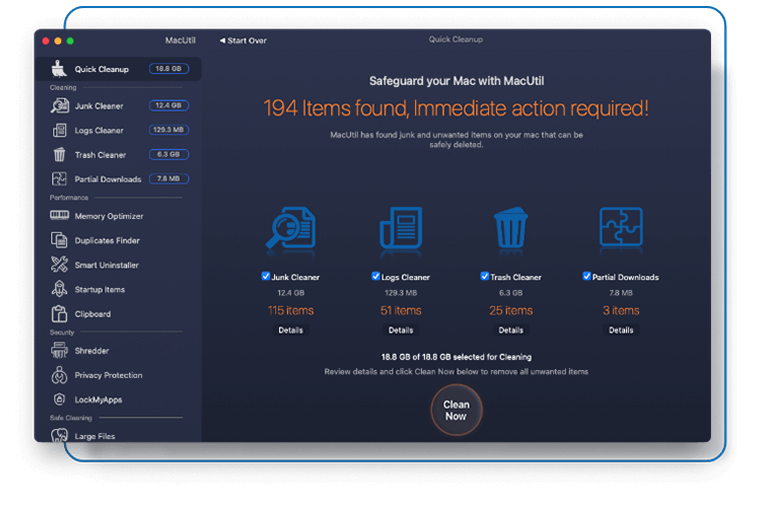
Clean Your Mac
-
Declutter your Mac instantly
Clear out loads of hidden cache files. Quickly delete unused files, unfinished downloads, and other unused items faster and easier.
-
Locate and Delete Large Files
Find big, forgotten files to delete them or move them to the trash. Easily filter out old movies or months-old documents to keep your Mac tidy.
-
-

Boost Speed and Memory
-
Easy Maintenance
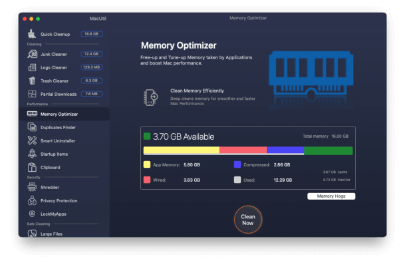
Clear up your Mac’s RAM memory just within a click and execute maintenance scripts that make your apps respond faster.
-
Fast Memory Optimizer
Spot and stop memory-occupying data, turn off background plugins, and fix even the smallest glitches swiftly.
-
-

Fortify your Mac’s Protection
-
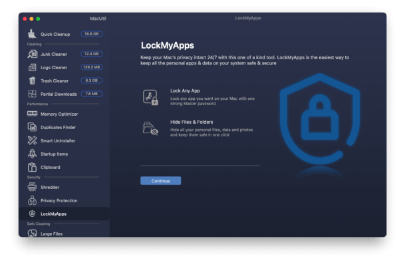
App Lock Security
MacUtil allows you to select apps that require additional security and lock them. Once added to the lock list, these apps would only be accessed through the password that you set.
-
Upscale Privacy
Remove tracking cookies to prevent advertisers from tracking your online activities. Wipe out sensitive information such as messenger chats and browsing history.
-
-
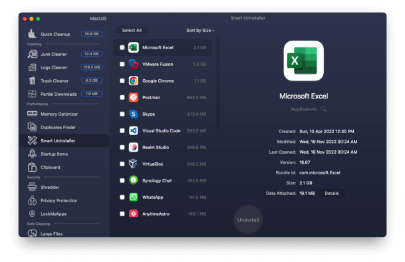

Gain Full App Control
-
Remove Known and Unknown Apps
Find and quickly remove unused known and unknown apps unnecessarily taking up your Mac’s space. Clean your system by mass-deleting unwanted apps, plugins, and extensions.
-
Efficient App File Removal
Regain control over scattered app files across your Mac. MacUtil efficiently locates and deletes all associated files, empowering you with comprehensive app management.
-
Discover What a New and Refreshed Mac Looks Like!
MacUtil is your go-to tool for cleaning, speeding up, and protecting your Mac. It unlocks your Mac’s full potential and can make it run like new again.
-

X4.5
Quick Boot-Up
Macbook pro with MacUtil Macbook proTake your Mac’s performance to a whole new level by clearing RAM. Keep your login items and plug-ins organized.
-

X5
Free Up Disk Space
Macbook pro with MacUtil Macbook proMaximize your disk space by clearing out old and large files, uninstalling unnecessary apps, and deleting space-occupying data.
-

X2.5
Speedier App Launch
Macbook pro with MacUtil Macbook proBoost app launch times by upgrading your apps to the latest version and eliminating all the sluggish extensions.
Why Mac Users Love MacUtil? Hear it From Our Happy Users!❤️

Emily Grace

I've tried numerous Mac cleaners, but MacUtil stands out! It's intuitive, fast, and actually delivers on its promises. My Mac feels snappier than ever, and I love how it keeps everything organized. Highly recommended!"

Michael Smith
As a graphic designer, my Mac is my lifeline. MacUtil has become my go-to tool for keeping it running smoothly. It's like a breath of fresh air for my system - quick, thorough, and reliable. Plus, the customer support is fantastic!

Jessica Garcia
I was skeptical at first, but MacUtil blew me away. Within minutes, it cleared up gigabytes of junk files and optimized my Mac's performance. It's incredible how much faster everything runs now. Definitely worth every penny!

Christopher Wilson
MacUtil has been a game-changer for me. My Mac was sluggish and cluttered, but after using MacUtil, it feels brand new. The interface is user-friendly, and the results are immediate. Couldn't be happier with this product!
FAQs
Yes, but there's a free version to try out all the features first. Plus, there's a 60-day money-back guarantee.
Absolutely. MacUtil is a secure tool that only removes files deemed safe to delete. It ensures your system remains clean and efficient without compromising important data.
We offer a three-month subscription and accept refund requests made within 60 days of purchase.
We suggest exploring our Smart Scan feature first, an automated Mac cleaner tool. It locates unnecessary files on your drive and recommends simple optimization tasks you can perform. If you prefer, you can manually select additional items to delete.
Simply download MacUtil, and open the .PKG in your Downloads folder to install the app. Then, drag MacUtil to your Applications folder and click on the icon to launch it.
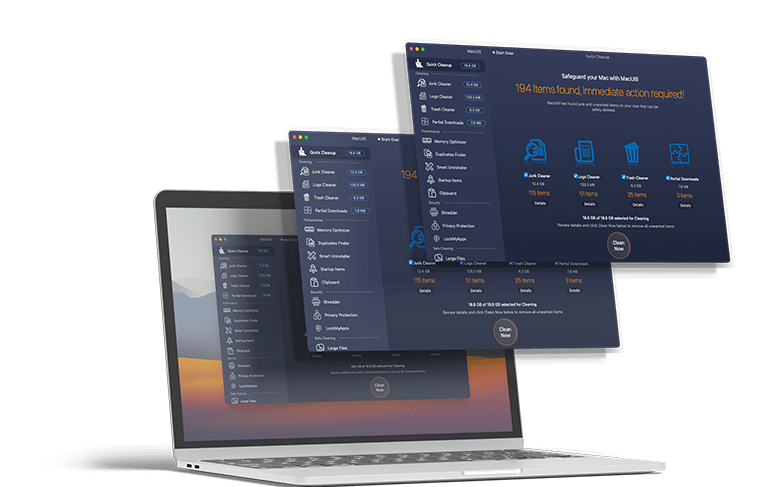
Use A Single Dashboard To Access All MacUtil Tools
Access essential protection and performance tools right from the MacUtil dashboard in your menu bar, without needing to open the app!
- Effortlessly scan your Mac to check its performance.
- Secure and clean your system within a few minutes.
- Receive instant assistance through chat with tech experts.
By clicking “download now”,
I agree to the site's terms of use and privacy policy.
Starting from $41.65 $24.99
-
System Requirements:

macOS 12.0 or later, 100 MB of space
-
Rating:
/ 4.8*
-
Pricing:
Starting at $41.65
$24.99 /Month -
Latest Update:
23 June 2024
**Notarization is not the App Review. The Apple notary service is an automated system that scans your software for malicious content